
Kitchen Cabinet Order Checklist: What to Confirm Before Buying Online
Buying & Ordering | Updated August 7, 2026 | 9 min read | Reviewed by Nerro Cabinet Support
Buying kitchen cabinets online becomes much easier when your order is built from a confirmed plan instead of a rough idea. This checklist helps you review the cabinet sizes, quantities, opening directions and finishing parts that belong in your cart before checkout.
It is designed for customers who already have a kitchen plan or cabinet list and are ready to choose Nerro products online. If you are still deciding how Nerro ordering works, begin with the step-by-step guide to buying kitchen cabinets online, then return here with your confirmed list.
Kitchen cabinet order checklist at a glance
| Check | What to confirm |
|---|---|
| Confirmed plan | The latest drawing or cabinet list, with the room conditions it is based on |
| Collection | One selected Nerro system before individual cabinet shopping |
| Cabinet list | Role, size, quantity, finish and location for every cart line |
| Appliances | Current manufacturer specifications for appliance openings |
| Finishing parts | Panels, fillers, toe kicks or other transitions required by the confirmed layout |
| Order review | Cart checked line by line against the latest plan before checkout |
This is an order-preparation checklist, not a substitute for a kitchen design, site measurement or installation review. Use the current product pages and your confirmed plan as the source of truth for the specific items you buy.
Start with a confirmed kitchen plan
Your cabinet order should describe a kitchen that has already been planned, not a kitchen you are still trying to design. Before opening product pages, collect the latest version of your layout or cabinet list and make sure it represents the room you will actually build.
Record the wall runs, ceiling height, windows, doors, vents, plumbing and electrical locations that affect cabinet placement. Also keep the model numbers or specification sheets for appliances that will sit between or inside cabinets. A cabinet can look correct in a list and still create a problem if the appliance opening, landing space or door swing has not been checked.
If a contractor, designer or installer prepared the plan, ask them to confirm that the cabinet list matches the latest drawing before you order. Nerro can provide product information and buying support based on a confirmed plan and cabinet list, but the customer remains responsible for measurements, site conditions and installation arrangements.
Choose one cabinet collection first
Choose your collection before you start selecting individual cabinet sizes. This keeps the door style, finish, compatible components and overall look coordinated across the order.
Nerro offers Painted Cabinets and Euro Kitchen as separate starting points. Painted Cabinets are the better place to begin when painted colour and door profile are central to the look. Euro Kitchen is the better place to begin when you want a modern frameless system with slab doors and contemporary finishes.
Do not assume components can be mixed between collections. Use the collection and product pages to confirm the specific options available in your selected system, and only combine items when the relevant product information confirms compatibility.
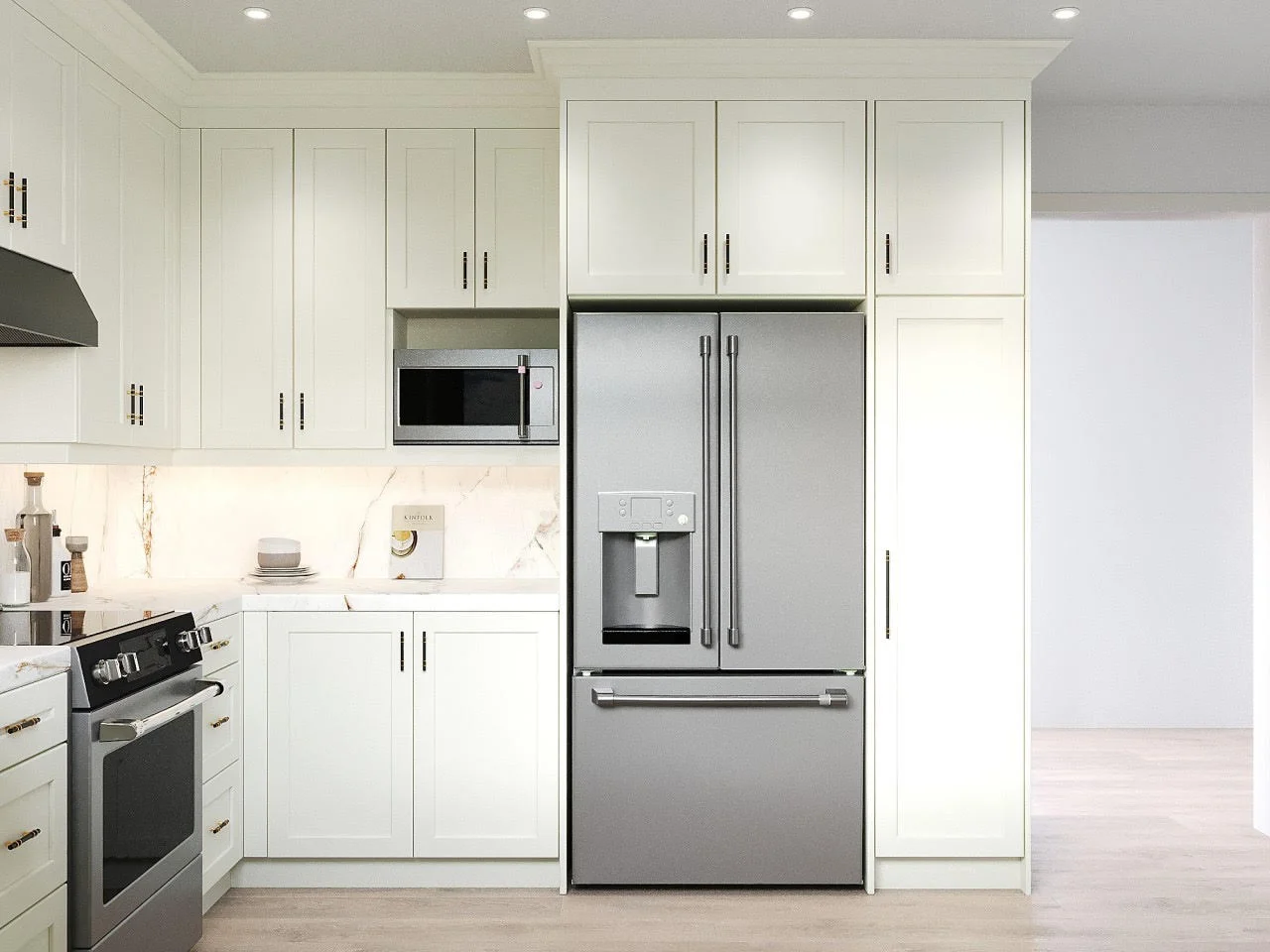
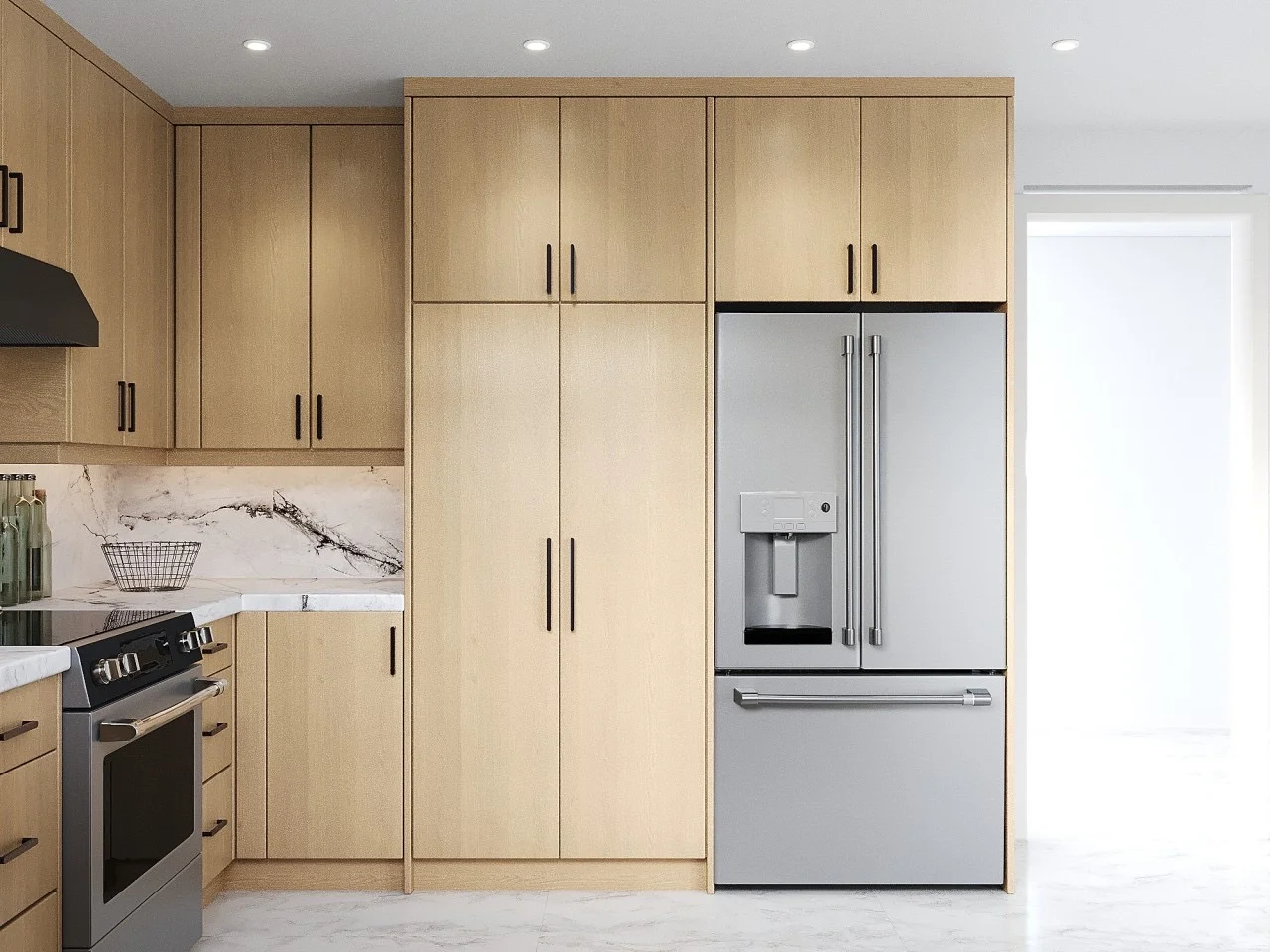
Build the cabinet list one zone at a time
Work through the plan in a consistent order instead of adding items from memory. Start with the wall or base run, then record every cabinet that belongs in that zone. Give each line an easy reference, such as “sink run” or “left wall beside refrigerator,” so you and your installer can compare the cart with the drawing.
For each zone, identify the cabinet role first and the size second. Depending on the confirmed plan and what is available in your selected collection, that might include upper or wall cabinets, base cabinets, drawer bases, tall or pantry cabinets, appliance cabinets and corner solutions.
The goal is not to buy every possible cabinet type. It is to account for every required opening, storage function and transition in your actual layout. If you cannot identify where an item goes on the plan, pause before putting it in the cart.
- Use one line per cabinet or matched pair rather than one broad note for an entire wall.
- Record the quantity beside every size, especially where two similar cabinets appear in different locations.
- Keep the plan reference, SKU or product link, and selected finish together in the same order worksheet.
Verify every cabinet detail before adding it to cart
Once the list is complete, review each item against the plan. The most common ordering mistakes are not usually dramatic; they are a missing quantity, a width that belongs to another wall, an opening direction that was assumed, or a cabinet selected without the accessory that completes the run.
Confirm the product dimensions shown on the relevant page, the number of doors or drawers, the opening direction where applicable, the selected finish, and the quantity. Check that appliance openings are based on the appliance specifications rather than a general label such as “standard range” or “dishwasher.”
Do the same for clearances around walls, windows, handles, islands and neighbouring cabinet doors. Your qualified installer should be able to review the complete cabinet list against the site before installation work begins.
Add the finishing parts that make the layout work
Cabinet boxes alone may not complete a kitchen. Review the places where the plan meets a wall, an exposed side, a floor or another cabinet run. These transitions often require finishing parts that are easy to overlook during the first cart review.
Depending on the confirmed layout and the products available in your selected collection, this can include finished end panels, fillers, toe kicks, moulding or other matching components. Treat these as layout-specific items, not automatic add-ons. Their size, location and compatibility should be confirmed against the plan and relevant product information.
A useful final pass is to trace each cabinet run from one end to the other and ask: What is visible? What meets the wall? What closes the gap? What finishes the bottom? That turns a vague reminder into a practical order check.
Review the order, delivery and installation handoff
Before checkout, compare the cart with the latest cabinet list line by line. Verify collection, size, finish, quantity, opening direction, accessories and any finishing components. Save a copy of the final cart or order confirmation with the plan used to create it.
Nerro cabinets are assembled before delivery. Review the current production and delivery information on the relevant Nerro pages before placing the order, because timing, availability and delivery details should be confirmed for the current purchase rather than copied from an older article or project.
After ordering, keep the plan, product details and order confirmation available for the person arranging installation. Nerro does not provide on-site measurement or installation, so the handoff is smoother when the installer can see exactly what was ordered and how it relates to the confirmed layout.
Frequently asked questions
Does Nerro create a kitchen plan or confirm site measurements?
No. Nerro provides product information and buying support based on your confirmed plan and cabinet list. You are responsible for confirming measurements and arranging qualified installation.
Do Nerro cabinets arrive assembled?
Nerro states that its cabinet boxes are assembled before delivery. Confirm the current product, production and delivery information for your specific order before checkout.
Can I mix Painted Cabinets and Euro Kitchen components?
Do not assume that components from different collections are compatible. Select one collection first and only combine items when the relevant product information explicitly confirms compatibility.
What is the most important check before I buy?
Make sure every cart line can be matched to the latest confirmed kitchen plan: cabinet role, dimensions, quantity, finish, direction where applicable and any required finishing part.
Keep reading
All posts-

How to Choose a Pantry or Tall Kitchen Cabinet Before Ordering
Choose a pantry or tall kitchen cabinet by location, width, height, depth, door swing, clearances and compatible finishing parts.
-

How to Choose Wall and Upper Kitchen Cabinets for a Confirmed Layout
Choose wall and upper kitchen cabinets by width, height, depth, door configuration, clearances and finishing parts from a confirmed layout.